The Importance of Cloud Backup for Local Servers
Many businesses in Kolkata and Chennai rely on a "Local Server" to store their accounts, client files, and sensitive trading data. While local access is fast and convenient, it has a single point of failure. If that physical hardware dies, your business stops.
In 2026, the gold standard for data protection is the **Hybrid Cloud Backup**. This strategy combines the speed of local storage with the near-infinite reliability of the cloud. In this guide, we explain why your local server needs a "Cloud Twin."
🚨 The "Monday Morning" Nightmare
Statistics show that 60% of small businesses that lose their data during a disaster close down within six months. Relying on an external USB drive that someone "forgets" to plug in is not a professional backup strategy.
Why Local Backup Isn't Enough Anymore
Local backups (like external HDDs or a second NAS) are vulnerable to the same physical risks as your main server, such as power surges, theft, or monsoon flooding in Kolkata and Chennai.
Continuous Protection
Modern cloud backups run silently in the background, syncing files the moment they are saved.
Version History
Accidentally deleted a file? Cloud backups allow you to "go back in time" to older versions.
Encryption
Your data is encrypted before it leaves your office, keeping it private from providers.
Ransomware Guard
If your local server is hit, your cloud backup remains isolated and clean for a full restore.
Essential Backup Hardware (2026)
Affiliate DisclosureTo implement a true hybrid backup, you need reliable local "Layer 1" storage. We recommend these industry-standard options:

Synology DiskStation DS224+ (2-Bay)
The perfect NAS for small offices in India. It creates a private cloud and automatically syncs to AWS or Google Cloud.
Check Price on Amazon →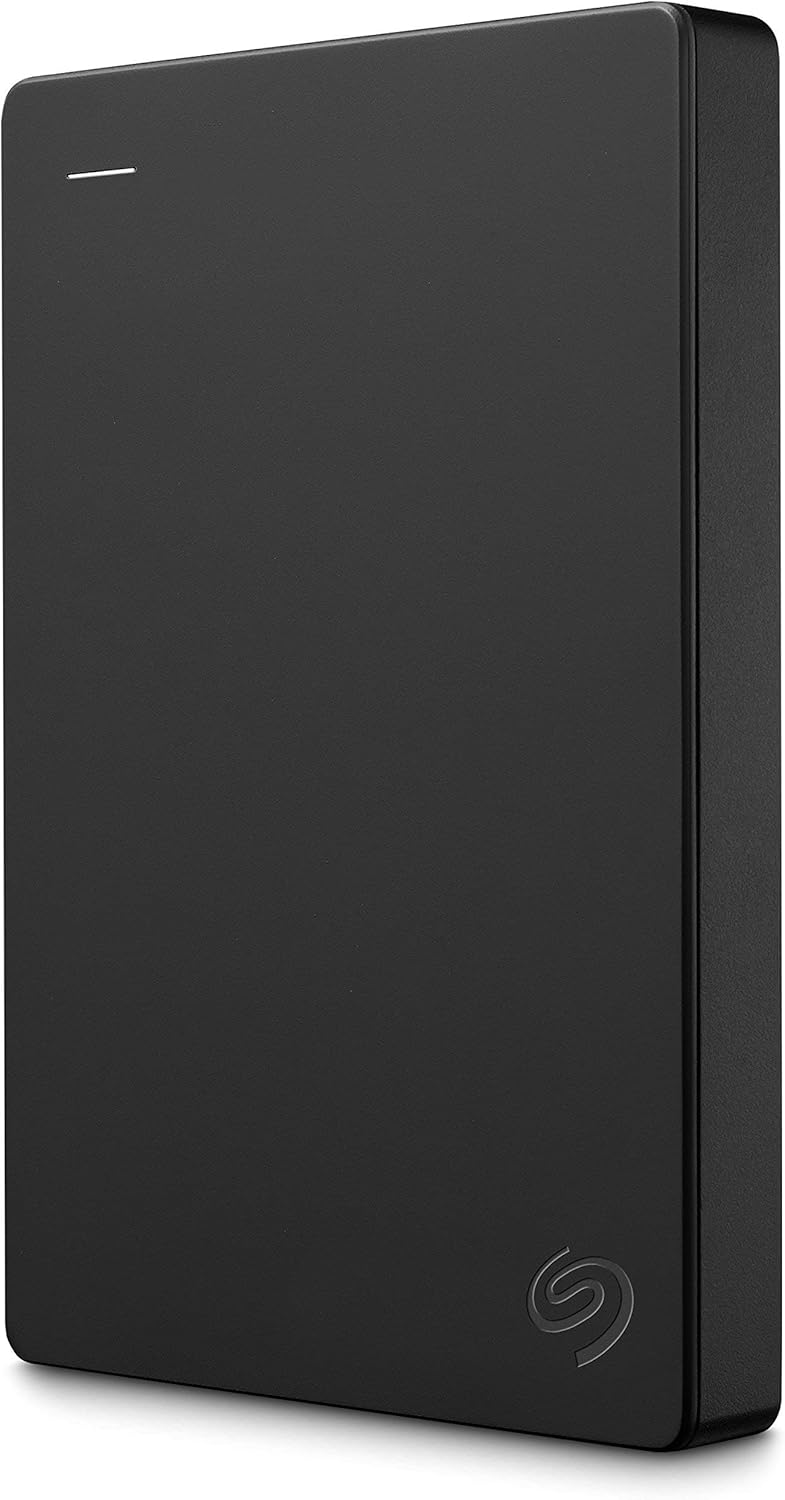
WD 5TB My Passport External HDD
A reliable "Layer 3" offline backup solution. Robust, fast, and perfect for air-gapped monthly backups.
View on Amazon India →The Best Hybrid Backup Setup for 2026
At **Govinda International**, we recommend the 3-2-1-1 Strategy:
- Layer 1 (Local): A high-speed NAS for instant file recovery.
- Layer 2 (Cloud): Daily automated sync to a secure cloud bucket (AWS S3/Azure).
- Layer 3 (Immutable): A monthly "Locked" backup that cannot be deleted, protecting against hacks.
Is Your Data Truly Safe?
Don't wait for a hard drive crash to find out your backup doesn't work. We provide professional data integrity audits and cloud backup setup.
Get a Managed Backup Quote →Common Concerns: Security and Speed
"Will it slow down my internet?"
We configure backups to run at 2 AM or use "throttling" so your daytime speed is never affected.
"Is the Cloud safe?"
With Multi-Factor Authentication (MFA) and end-to-end encryption, your cloud data is significantly safer than a physical drive sitting in an office.
How Govinda International Can Help
We specialize in **Disaster Recovery as a Service (DRaaS)**. We manage the entire process:
- Selection of the right cloud provider based on your budget.
- Setting up automated "Zero-Touch" backup scripts.
- Monthly "Restore Tests" to ensure your backups actually work.
- Emergency data recovery support in Kolkata and Chennai.
Protect your business today. Contact our engineers for a consultation.
Book a Data Audit →Backup Packages
Affordable data protection for every business size:
- Standard: 1TB Cloud Backup + Monitoring
- Business: 5TB + Hybrid NAS Setup
- Enterprise: Custom Storage + DRaaS
Inquire Now